

Download App
How it Works
App
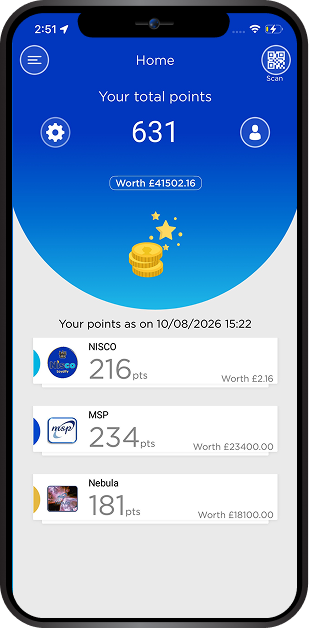
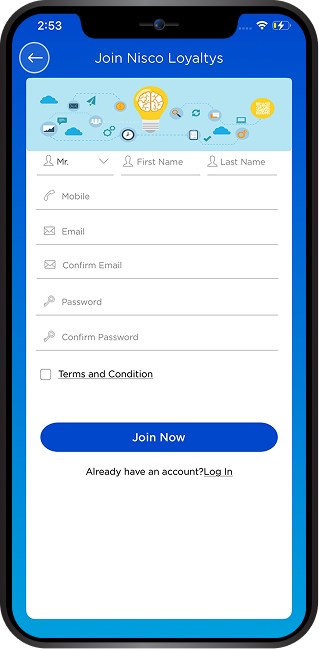
- Download the app on your mobile by clicking: Apple , Google
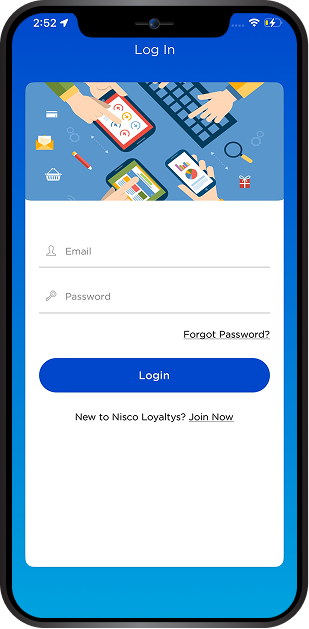
- Register your details and start the account.
- Visit a NISCO store and whilst at the till at any point during the transaction scan the QR code shown on the customer screen or on the receipt.
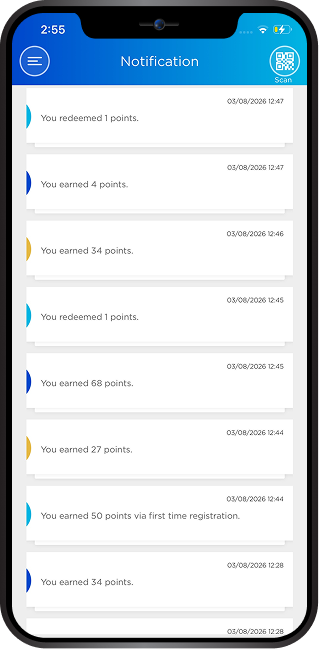
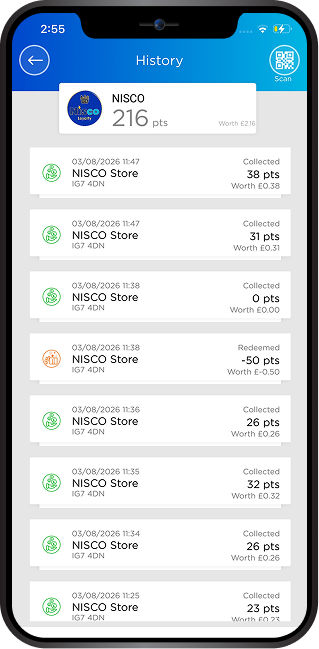
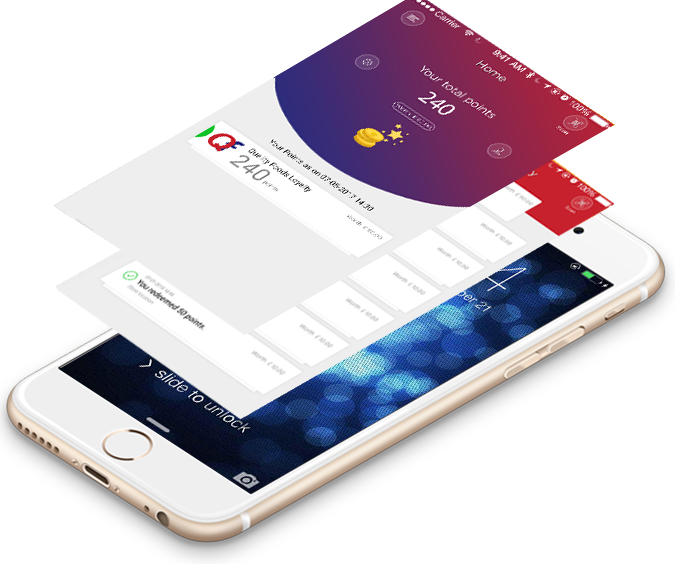
- Your transaction will be recognized automatically and eligible points credited immediately to your account
- Points turn to rewards and levels of rewards are set by NISCO.
- When you have collected enough points the app will inform you next time you are shopping to redeem the reward.
- The Cashier will also know that you have a reward to claim when you scan the transaction QR barcode from the app.
- To redeem, scan redeem QR Code shown on the customer screen or on the receipt. If you redeem then the app will immediately show you the same.
- Note that the app is mobile network dependant and may not necessarily be live.
- If you redeem then your account will show the same.
Card
- Obtain a card from the NISCO store
- You may provide the unregistered card to collect the points immediately to the cashier for the current transactions or until it is registered.
- Register your details on the website and your account will be opened
- Points turn to rewards and levels of rewards are set by the Retailer.
- When you have collected enough points you will see the rewards available in your account. Next time you are shopping you may inform the Cashier or the Cashier will know that you have a reward to claim when the card is scanned.
- If you redeem then your account will show the same.
Contact US
Got a question or interested in NISCO? We'd be happy to help!
Contact Info
NISCO ChigwellPostcode: IG7 4DN
NISCO OckendonPostcode: RM15 5EF
NISCO South BenfleetPostcode: SS7 5UH
NISCO SavemorPostcode: RM15 5EF
NISCO WarringtonPostcode: WA5 2LZ